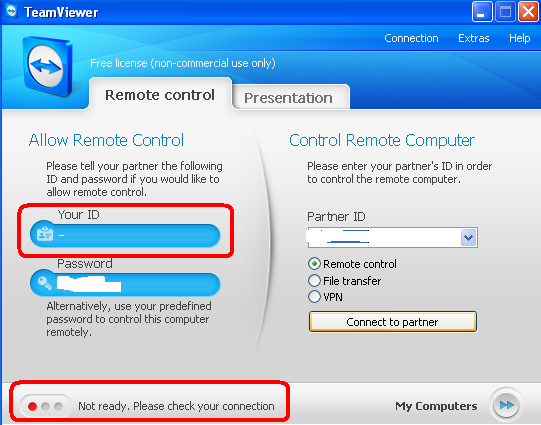
I use TeamViewer quite often to connect to other computers. It has been working very well till today when it shows following message after starting it up.
Not ready. Please check your connection
This is the first time that I had any troubles with TeamViewer.
Few days back I updated TeamViewer to latest version and it worked after update.
There is nothing wrong with connection either. There is no problem with modem/router blocking the ports etc
I did a quick search on Google to find any solution but no luck there.
Solution
Since this problem happened after update, the first thing I did was to uninstall it and reinstall latest version.
And it worked.
So if you face similar problem then just uninstall and reinstall TeamViewer and it will work.
No need to reboot your computer or modem/router.


Leave a Reply